
The Subaru Remote app aims to improve convenience for Subaru owners by focusing on remote operation and integrating with smartwatches, providing customers with an enjoyable user experience.
Download Android
ROLES
UX Director
Design Lead
Design Operations
CLIENT
Subaru Corporation
Copyright © Subaru Corporation
TEAM
Station (design and development)
Subaru Corporation product stakeholders and PM (Japan)
Engineering team
MY ROLE
UX Director and design lead. I worked directly with Subaru’s product stakeholders and PM in Japan to capture requirements, ran workshops with engineering and PM to review requirement documents and APIs, and planned feature priorities and the release schedule with PM.
THE PROBLEM
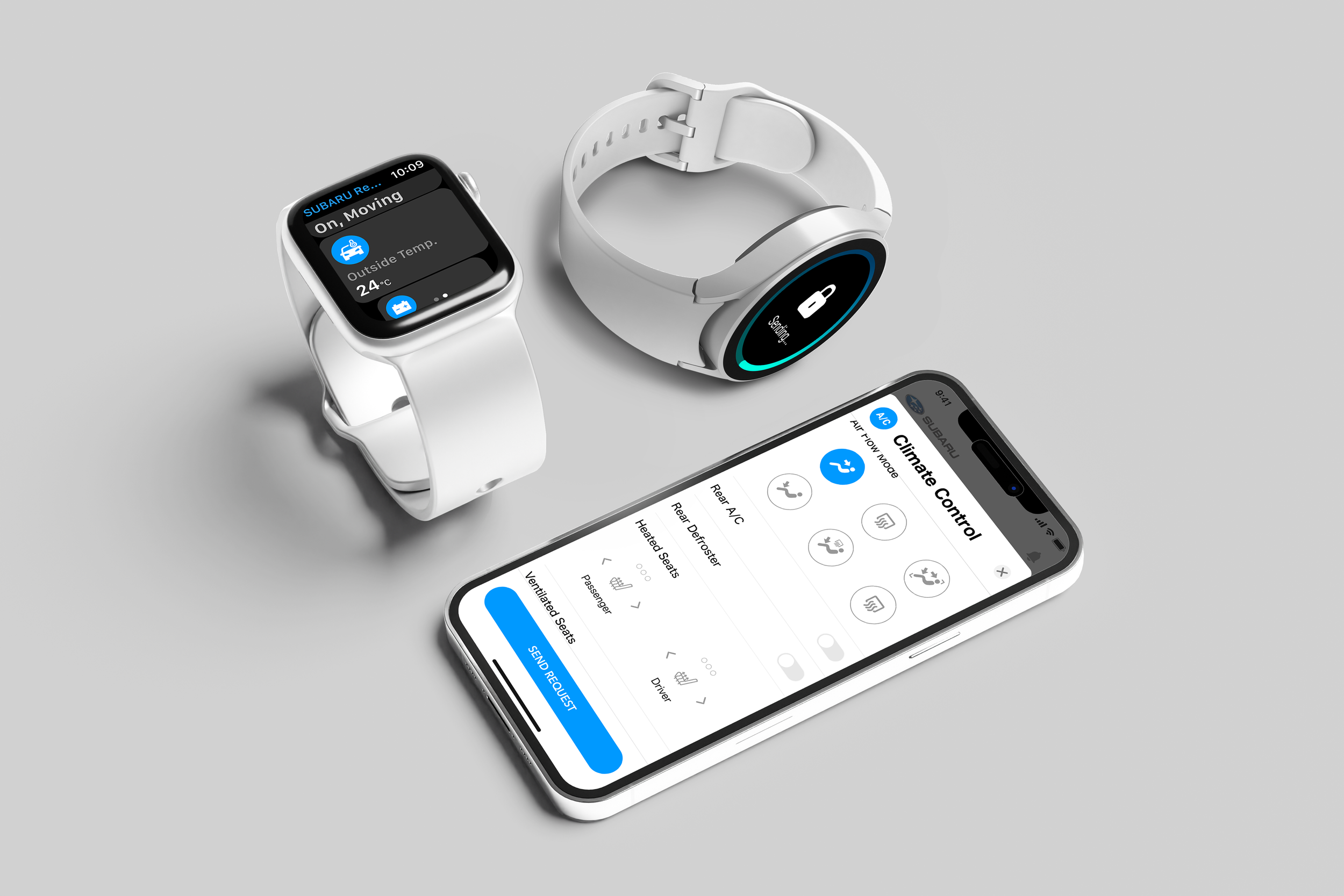
Subaru Japan had no connected-vehicle app, only an owner’s manual app. This was a brand-new build: Subaru’s first app letting owners control and check their car remotely, on iPhone, Android, Apple Watch and Wear OS.
KEY DECISION: WHAT GOES ON THE HOME SCREEN
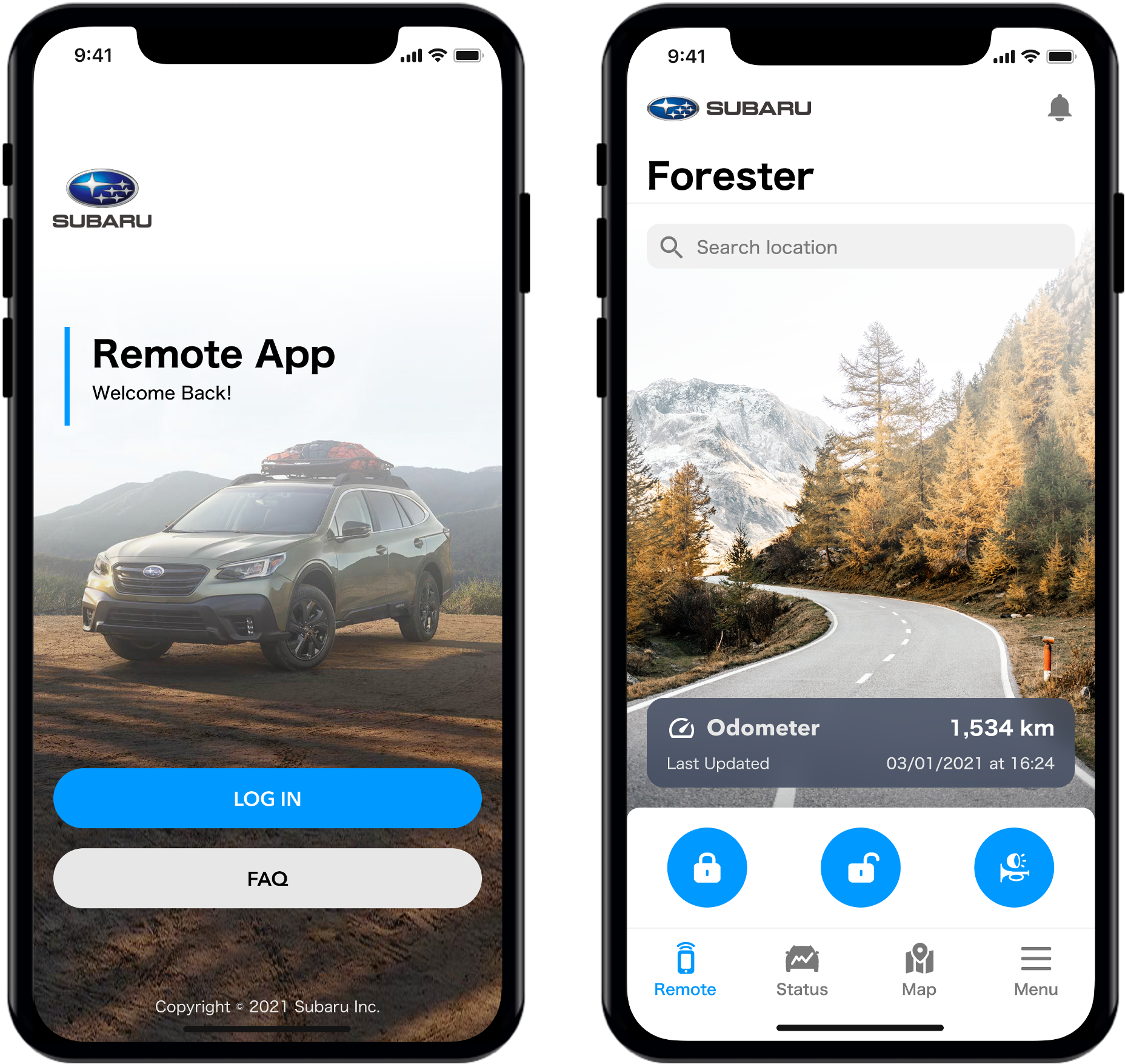
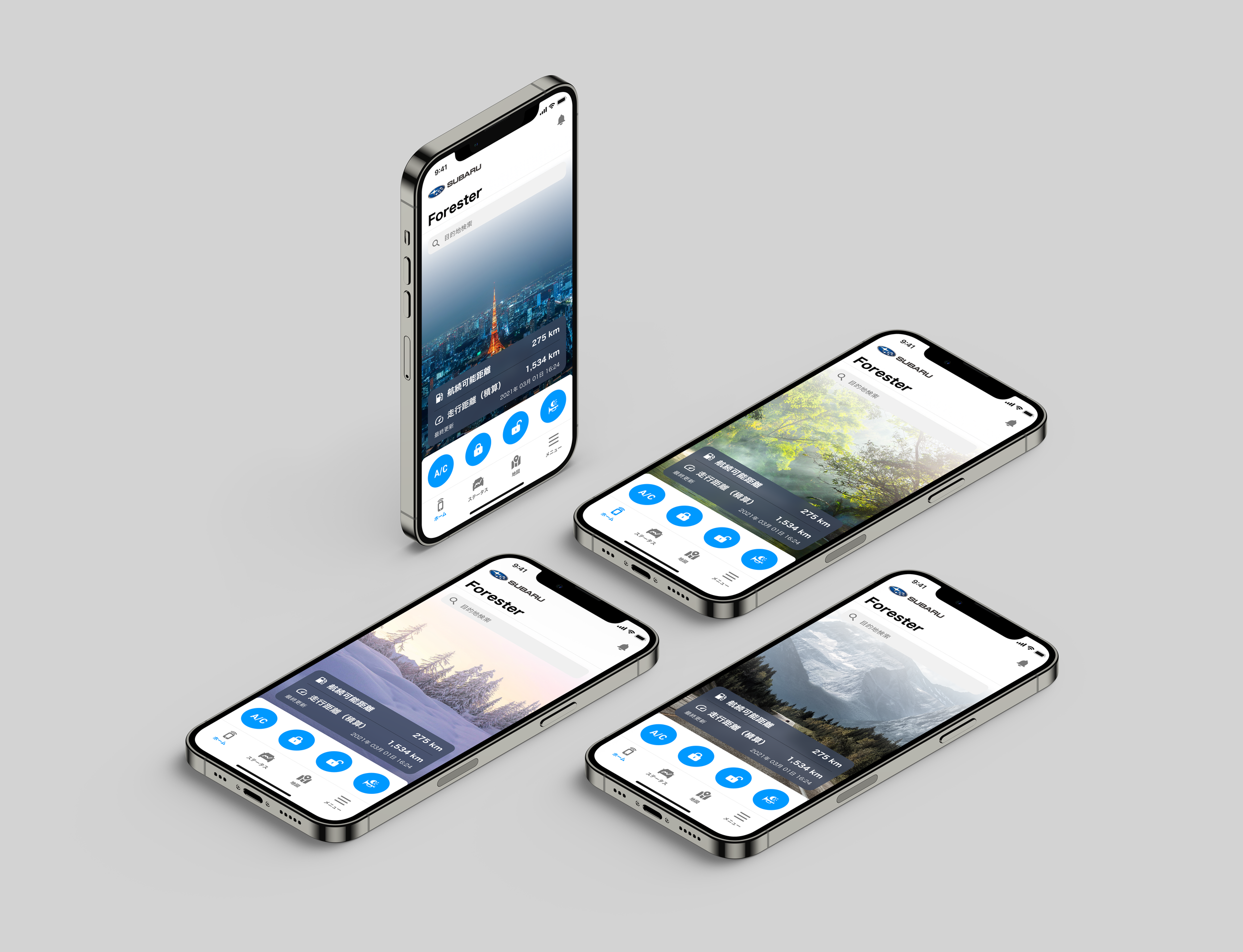
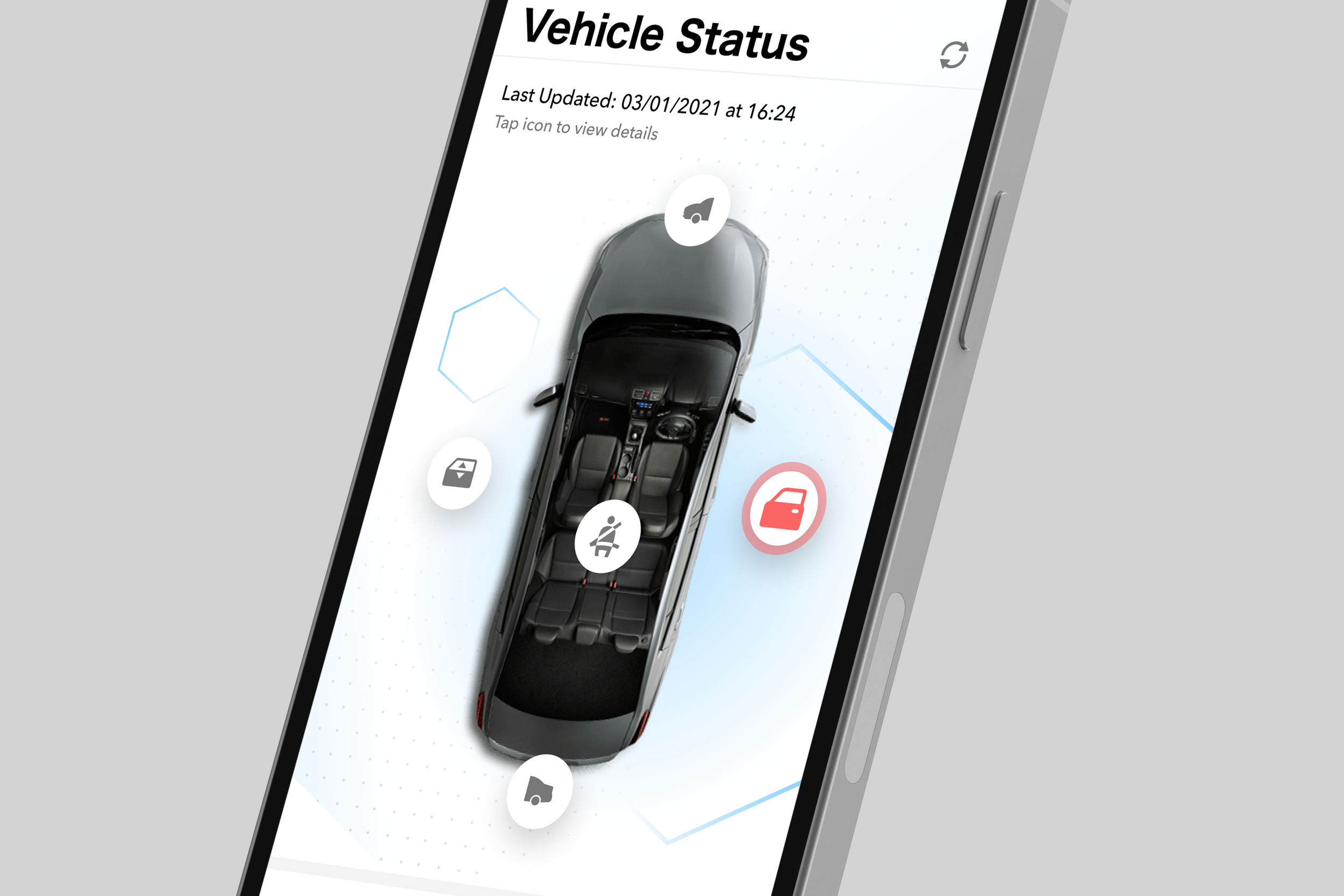
Surveys we sent to Subaru owners by email told us they’re largely sporty, outdoorsy drivers who use their cars for road trips. So we designed the home screen around the commands they’d use most, remote climate control and vehicle status, alongside scenic imagery that fits Subaru’s lifestyle brand, and moved everything else deeper into the app.
KEY DECISION: PHASING FEATURES AROUND WHAT THE APIs COULD DO
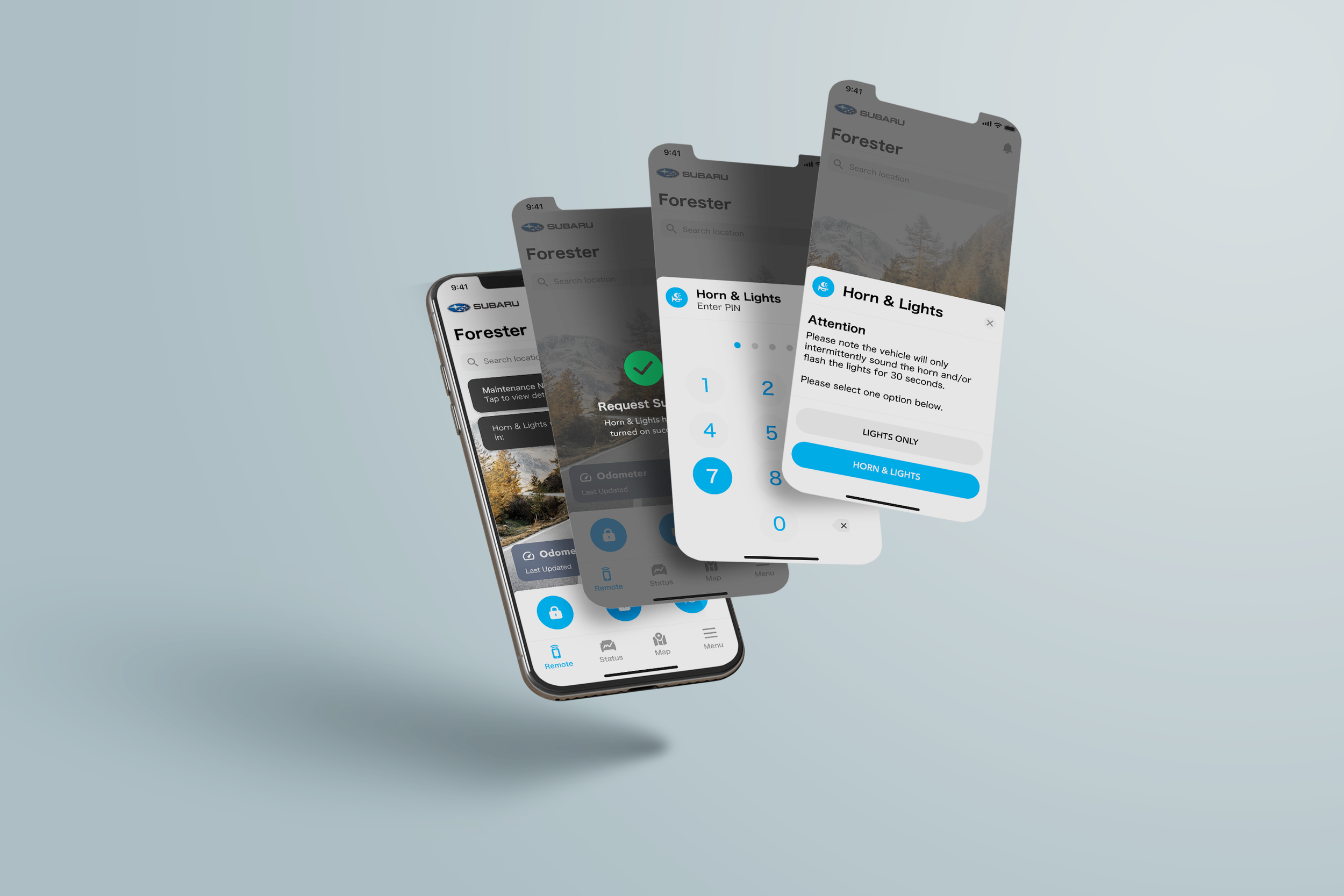
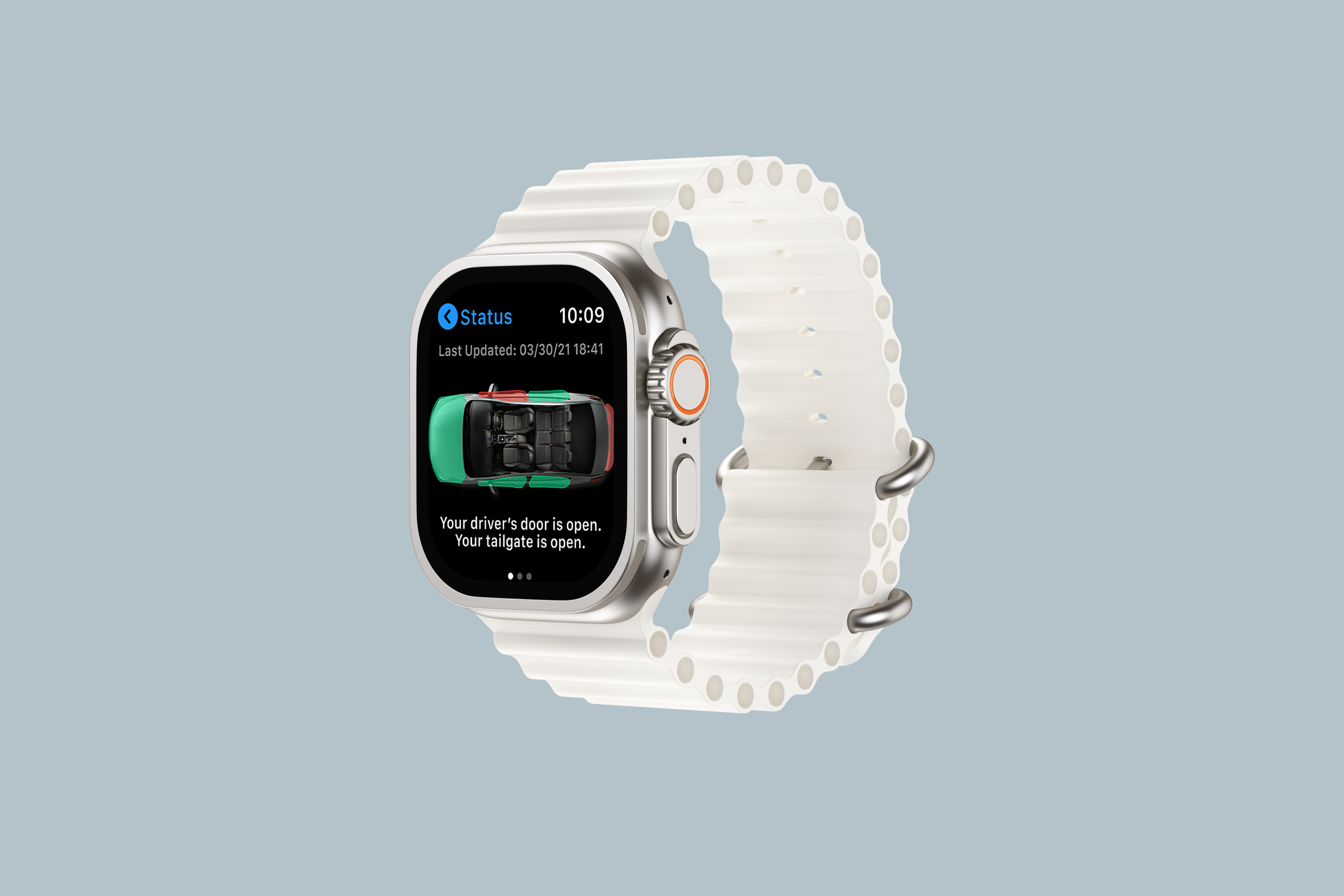
In workshops with engineering and PM, we walked through the requirement documents and API behavior together to see what each feature actually needed. That let us split features into release phases: lock and unlock, vehicle location and status, send-to-navigation and Apple Watch shipped at launch, and remote climate control followed in a later release.
KEY DECISION: REAL-TIME LOCATION VS. BATTERY LIFE
Subaru wanted owners to see where their car is in real time. The problem: refreshing the car’s GPS position nonstop, including in the background, drains the phone’s battery and uses a lot of data. We agreed on a middle ground with engineering. The app refreshes the car’s location every few seconds instead of streaming it, and the car icon slides smoothly to each new position so it still feels live. For the map, we styled the native map to match the app’s dark theme instead of building a custom one, which kept engineering effort down.
OUTCOME
Launched on the App Store in Japan in December 2022
Lock and unlock, vehicle location and status, send-to-navigation and Apple Watch at launch; remote climate control added in a later release
PROJECT SCOPES + DELIVERABLES
iPhone, Android, Apple Watch, and Android Wear
Iconography Design
Information Architecture
Visual Design and Storyboard Creation
UI Walkthrough Documents
Screen Transition Diagrams
Animations
App store assets
Marketing Automation
PROCESS
-
• Project Setup
• Project Management
• Discovery + Business Requirement
• Wireframes + Feature Definition
• UI Design
• Smartwatch Design
-
• Development Phase
• Change Requests
• QA
-
• App Store Preparations
• Product Launch
HIGHLIGHTS


